




















Edit photos with words
Change the background, the weather, the season or an object in a photo by describing it.
Create stunning images from text prompts with Google's AI, or add a reference photo to edit and reimagine it.
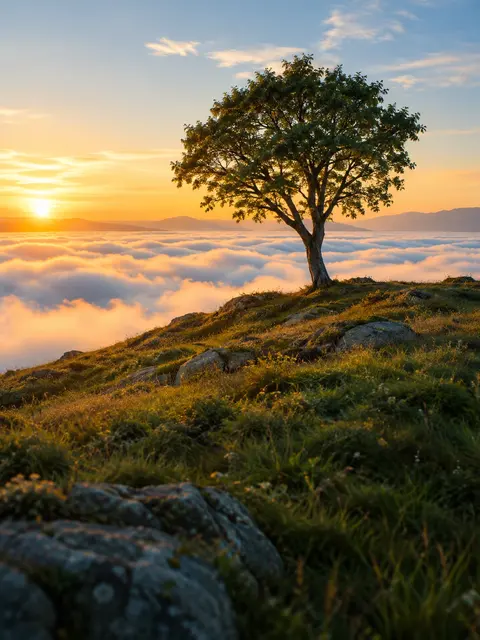 Example · made with RegiAI
Your image is ready.
Nano Banana AI is Google's image model, known for following instructions closely and for editing photos while keeping people recognizable. On RegiAI you can use it in your browser without a Google Cloud account: write a prompt to create a new image, or add a reference photo and describe how to change it.
Each image costs $0.10 and your first generation each day is free. If you want to compare Nano Banana with FLUX, Ideogram and other models, or pick an aspect ratio, use the AI Image Generator, which includes Nano Banana and Nano Banana Pro. Several RegiAI tools are built on Nano Banana too, such as the AI Outfit Changer and the AI Action Figure Generator.
Write up to 1,000 characters. For a new image, describe the scene. For an edit, say exactly what should change.
Upload a JPG, PNG, WebP or GIF up to 10 MB to edit it or use it as the starting point for the new image.
Click Generate Image. The result is ready in seconds and is saved to your creations.
Change the background, the weather, the season or an object in a photo by describing it.
Put the same person from your reference into a new scene or style while they still look like themselves.
Create a new picture from a prompt when you have no photo to start from.
Turn a photo into a collectible figure, a plush toy or a 3D character.
Redraw a photo as a watercolor, a comic panel, a clay model or a vintage print.
Place one product in several settings for ads and listings from a single reference photo.
Remove a stranger, a sign or clutter from a picture with a one-line instruction.
Turn a plain photo into a bold, dramatic image for a video thumbnail or a cover.
Many image models are good at making something new. Nano Banana is also good at changing something that already exists. When you give it a reference photo and a clear instruction, it tends to change only what you asked for and leave the rest alone, including faces. That is why it became popular for edits like "put this person in a rainy Tokyo street" or "turn this photo into a figurine on a desk".
Typical things it does well:
For a simpler, cheaper edit at $0.03, the AI Image Editor uses a different fast editing model. For higher resolution, Nano Banana Pro (2K) is available in the AI Image Generator for $0.40.
Nano Banana is also the engine behind several focused RegiAI tools that wrap it in a simple form, such as the AI Head Swap, AI Dress Changer and AI Body Swap. Use those when your task matches, and this page when you want to write your own instruction.
Only upload photos of people who have agreed to it, and never use edits to deceive, harass or impersonate anyone.
Example prompts to try with a reference photo: "put this person on a sunny rooftop in Lisbon, keep the face and outfit"; "turn this photo into a hand-painted watercolor"; "make this product look like it is on a marble kitchen counter with morning light"; "turn this dog into a plush toy sitting on a bed". Without a reference: "a cozy reading nook with a window seat on a rainy afternoon, photograph".
Every generation costs $0.10, with or without a reference photo. RegiAI has no subscription; you buy credit packs ($10, $25, $50 or $100, the larger ones with bonus credit) and pay per use. Because the price is $0.10, the one free generation per day that every signed-in user gets can be used here. It does not stack or roll over. If a generation fails, the charge is refunded automatically.
Results have no RegiAI watermark and are saved as JPG in My creations in your dashboard for 30 days. You can download or delete them there.
If you use Nano Banana often, compare it with the other options on RegiAI. FLUX Schnell in the AI Image Generator costs $0.01 per image and is handy for drafts. The AI Image Editor costs $0.03 per edit for simple changes. Nano Banana at $0.10 is the one to reach for when you need careful edits that keep a person or product looking the same.
Still stuck? Contact us.