




















Your own old branding
Clean up photos that carry an outdated logo or a previous studio watermark you own.
Remove watermarks, logos, and text from images instantly with AI.
You'll be asked to sign in with Google before processing.
By uploading an image you agree to our Terms of Use and Privacy Policy.
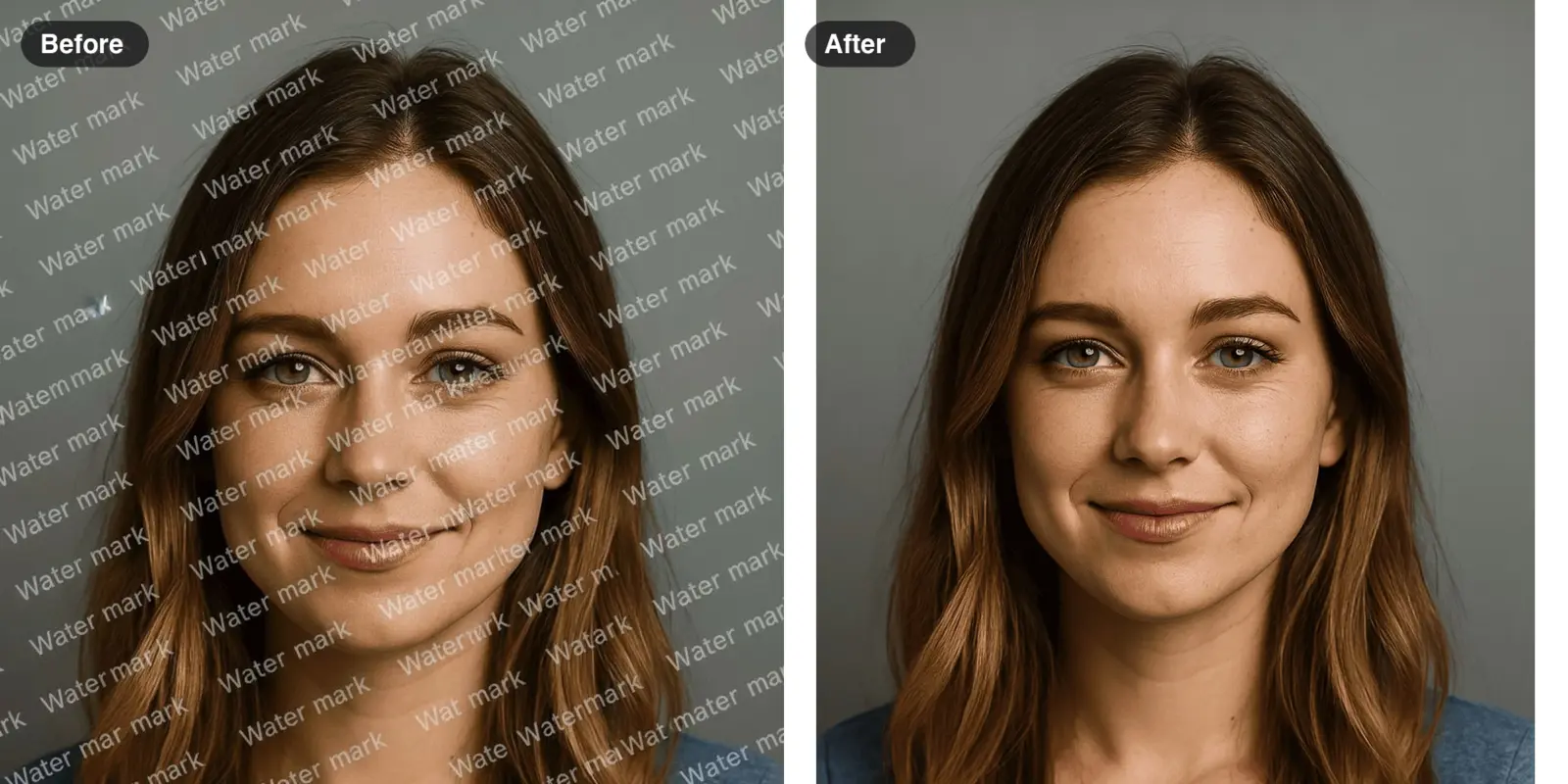 Example · made with RegiAI
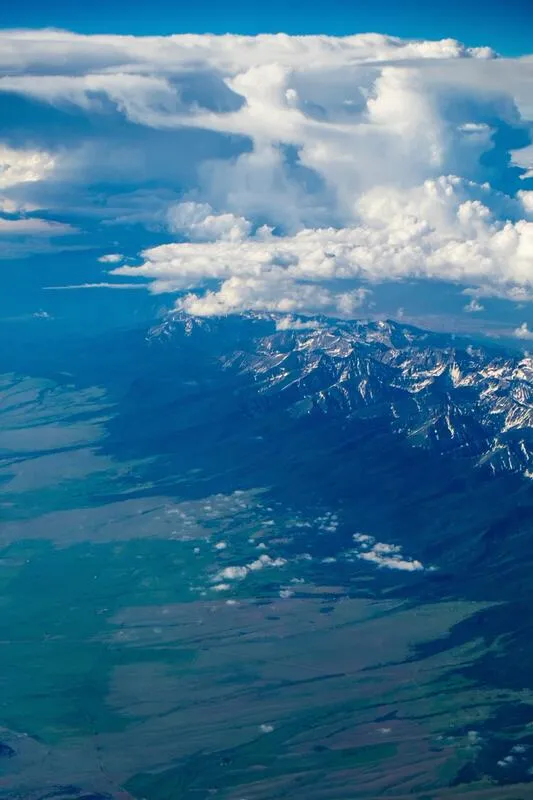
Repeated text marks, logos and "proof" stamps removed in one click.
 Before
 After
After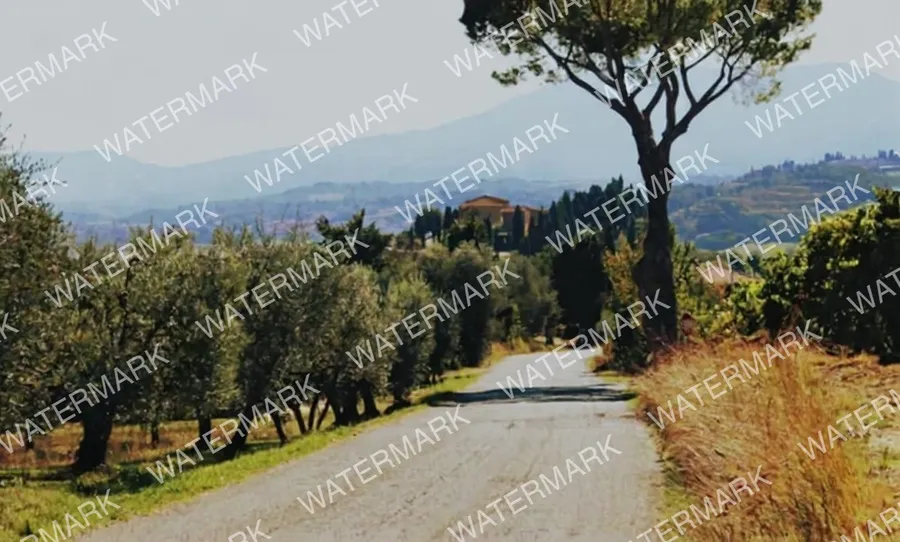 Before
 After
After Before
 After
After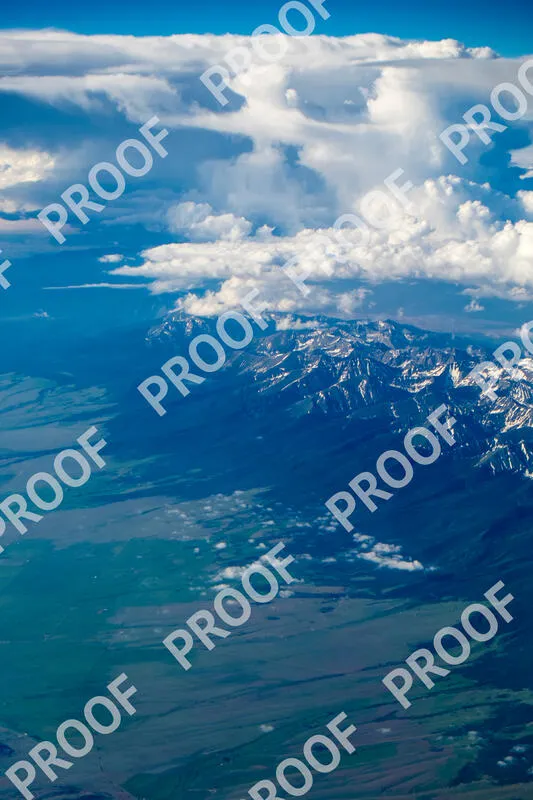 Before
 After
After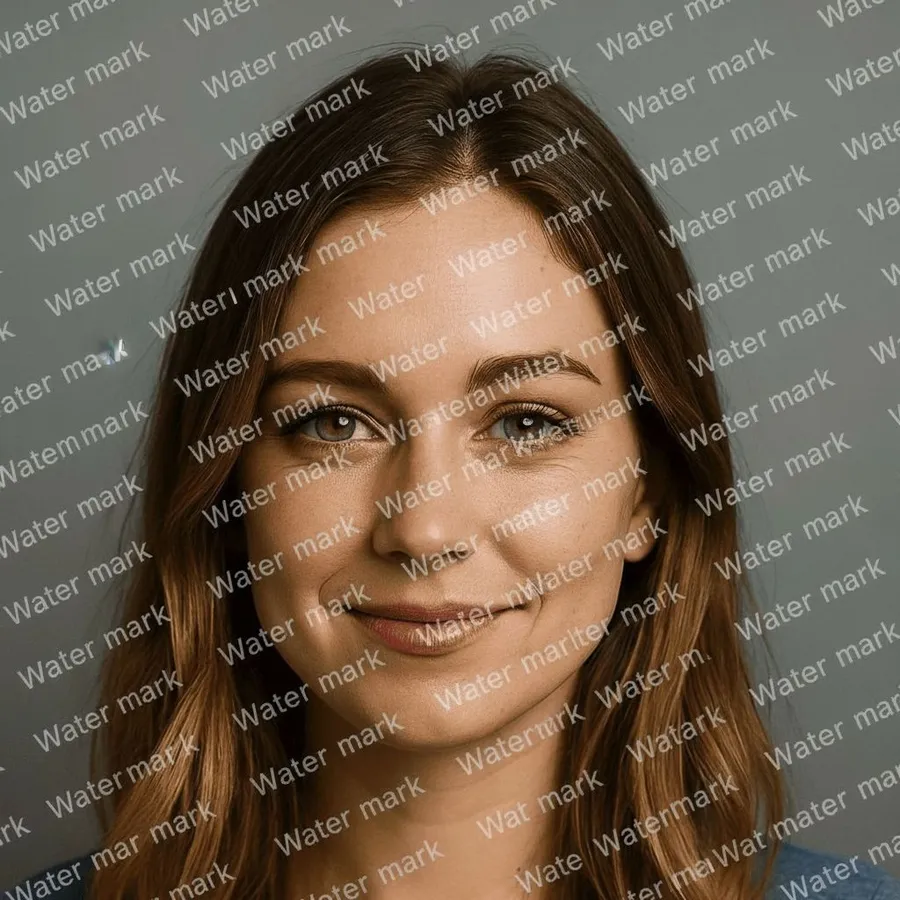 Before
 After
AfterThe RegiAI AI watermark remover takes watermarks, logos, date stamps and overlaid text off an image automatically. Upload the photo and the AI finds the text and marks, removes them and rebuilds the background behind them. There is nothing to select or paint, which saves the most time on large or repeated watermarks.
It costs $0.10 per image, and your first generation each day is free. Use it only on images you own or have the right to edit, such as your own photos with an old logo or a stock image you have licensed. To add your own mark instead, use the free Watermark Maker. To remove a single object that is not text, the AI Image Editor is a better fit.
A JPG, PNG, WebP or GIF up to 10 MB that has a watermark, logo or text on it.
Click Remove Watermark. The AI detects text and watermarks across the whole image and fills in what was behind them.
Check the result and download it. It is also saved in your creations for 30 days.
Clean up photos that carry an outdated logo or a previous studio watermark you own.
Remove the orange date and time printed in the corner by older cameras.
Take captions, usernames or overlaid text off a picture you made so you can reuse it.
Clean a preview you have since licensed when the clean file is hard to get again.
Remove supplier text or old price tags from your own product images before listing them.
Clear handwriting or stamped text on scans of your family photos.
Remove interface labels or overlay text from your own screenshots before reusing them.
Get a clean version of a graphic or photo you made when the unmarked original is lost.
Classic tools make you brush over each watermark and then guess what should be underneath. This tool uses an image model that is instructed to remove all text and watermarks from the picture and to reconstruct the area behind them to match the surrounding colors, textures and lines. You get a complete image back, not a blurred patch.
Because it removes all text, keep this in mind:
Photos with a watermark over a simple area, like sky, a wall, a table or a plain background, give the cleanest results. Tiled watermarks that repeat across the whole image are also handled in one pass, which is where the tool saves the most time compared with manual retouching.
Watermarks protect photographers, artists and stock agencies. Removing a watermark from someone else's work to use it without permission can infringe their copyright and break the license terms of the site you got it from. Good uses of this tool are images you created, images you have bought or licensed, and your own family photos. If you are not sure whether you may use an image, ask the owner or buy a license.
If you want to protect your own images, add a visible mark with the free Watermark Maker, and keep your originals. For old prints with scratches as well as stamps, AI Photo Restoration repairs damage in one pass.
Practical, legitimate cases come up more often than you might think: a photographer who lost the clean originals of their own work, a small shop whose product photos carry an old brand name, a family scan with a studio stamp across the corner, or a designer who licensed a stock image but only kept the preview. In all of these, the rights are clear and the tool simply saves time.
Each image costs $0.10 from your RegiAI balance. There is no subscription: buy a credit pack of $10, $25, $50 or $100 (larger packs include bonus credit) and pay per use. Every signed-in user gets one free generation per day on tools priced $0.10 or less, and this tool qualifies; the free generation does not stack or roll over. If the removal fails, the charge goes back to your balance automatically.
RegiAI does not add its own watermark to the result. Processed images are saved in My creations in your dashboard for 30 days, where you can download or delete them. You sign in with Google to use the tool.
If the first result leaves a faint trace of the mark, run the cleaned image through again; a second pass often removes what is left. Each pass is a separate $0.10 generation.
Compared with hiring a retoucher or spending time with a clone brush, $0.10 per image is usually the cheapest route, especially when a watermark repeats across the whole picture.
Still stuck? Contact us.