No Beard Filter

Remove facial hair from a photo and preview a natural clean-shaven look with AI.

Portrait
Upload one clear portrait Drag and drop an image here, or JPG, PNG or WebP · Maximum 10MB

You'll be asked to sign in with Google before running the filter.

  • One photoNo source or mask image needed.
  • Identity awareThe prompt preserves unrelated details.
  • Pay per result$0.10 per completed AI edit.
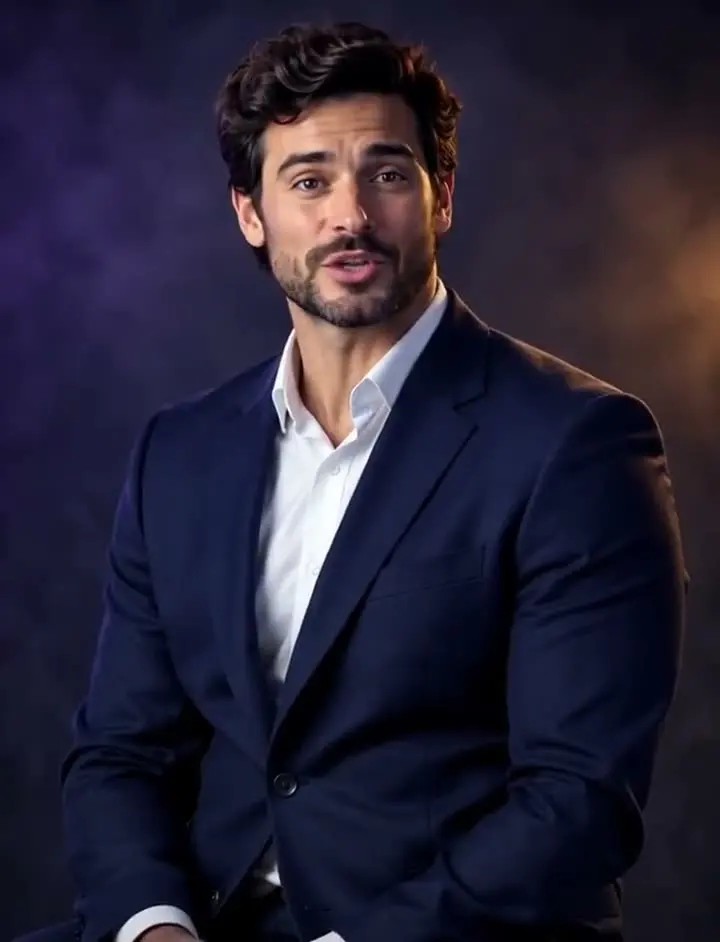
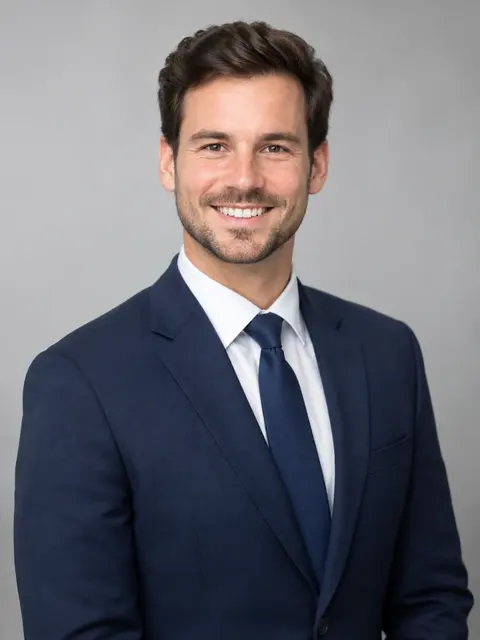
Example AI-edited portrait of a man in a navy suit Example · made with RegiAI

See how you look without a beard

A no beard filter creates a realistic clean-shaven preview from an existing portrait. It is useful when you are considering shaving, comparing grooming styles, preparing a casting or profile image, or simply curious about a different look. RegiAI edits the facial-hair area while instructing the model to preserve identity, expression, lighting and the rest of the photo.

Useful ways to try this filter

  • Compare a clean-shaven style before changing your grooming routine.
  • Create an alternate portrait concept for a profile, casting reference or mood board.
  • Visualize beard removal while keeping hair, clothing and the background unchanged.
  • Test whether a lighter moustache-free or stubble-free look suits the portrait.

Photo tips for a natural result

Choose a sharp, front-facing portrait with even lighting and an unobstructed view of the beard and jawline. Photos in which the beard covers the neck, hands cover the face, or several people overlap may produce less predictable results.

Privacy and responsible editing

Use a portrait you own or have permission to edit. Uploads are used to complete the requested generation. Do not create deceptive identity documents, impersonations or non-consensual edits.

What the preview cannot guarantee

The result is an AI-generated preview, not a biometric prediction. Very dense beards can hide the true jawline and skin underneath, so the model must estimate those details. Check the full-resolution result before using it professionally.

The RegiAI no beard filter shows what you look like clean-shaven. Upload a portrait and the AI removes the beard, moustache and stubble, then rebuilds the skin and jawline underneath with a natural texture. Your hairstyle, expression, face shape, clothing and background are kept, and the AI is told not to beautify, age or reshape anything else. An edit costs $0.10, and signed-in users get one free generation a day.

It answers the question many bearded people have before picking up a razor. To try the opposite end of the grooming spectrum, the Bald Filter removes scalp hair and keeps the beard. For a new expression on the result, use the AI Face Editor.

How to use No Beard Filter

  1. 1

    Upload a portrait

    A sharp, front-facing photo with the beard and jawline in clear view. JPG, PNG or WebP up to 10 MB.

  2. 2

    Remove the beard

    Sign in and press Remove Beard from Photo. Most edits take 15 to 45 seconds.

  3. 3

    Check and download

    Look at the jawline and skin at full size, then download the clean-shaven version or try another photo.

What you can make

Decide before you shave

Compare your bearded and clean-shaven look side by side before changing your routine.

Job and profile photos

See whether a clean-shaven look suits a new headshot or a formal role.

Casting and character

Create a clean-shaven reference for an audition, costume or character without shaving.

Remember the old look

See what someone who has had a beard for years looked like without it, with their okay.

Before and after posts

Make a before-and-after comparison for a grooming post or a funny reveal.

Style planning

Pair the clean-shaven result with the bald filter to plan a full new look.

How the no beard filter works

The filter sends your portrait to an image-editing model with a precise instruction: remove the beard, moustache, stubble and visible facial hair, and change nothing else. The model then has to recreate what was under the beard, the chin, jawline, lips and skin, using the rest of your face as a guide.

That means results depend on how much the beard hides:

  • Stubble and short beards are the easiest; most of the jawline is still visible, so the result is usually very close to reality.
  • Full, dense beards hide the jaw and chin completely. The AI estimates their shape, so treat the result as a plausible preview, not a guarantee.
  • Moustache only works too, since the whole filter aims for a fully clean-shaven face.

For partial edits, such as keeping a moustache but removing the beard, describe the change in your own words in the Nano Banana editor or the AI Image Editor.
Tips for a clean-shaven result that looks real

  • Face the camera so the whole beard and jawline are visible.
  • Even light, no harsh shadows under the chin. Shadows make it harder to rebuild skin tone.
  • Keep hands and mics away from the face.
  • Use a large, sharp photo. The more skin detail around the beard, the better the rebuilt skin looks. Improve soft photos with AI Image Unblur first.
  • One face per photo. Crop other people out with the free crop tool.

Want the full reset? Run the result through the Bald Filter for a shaved head and a clean chin, or swap in a new hairstyle from another photo with AI Head Swap. Trying a front view and a slight side view gives a better sense of your jawline than a single photo.

Deciding whether to shave

A beard can take months to grow back, so it makes sense to see the result before you shave. Some ways to use the preview:

  • Compare side by side. Put the original and the clean-shaven version next to each other and ask a friend which one they prefer.
  • Test for a specific occasion. A wedding, a new job or a casting may call for a different look. Preview it on a photo taken in similar clothes.
  • Check your jawline. Many people grow a beard to change the shape of their jaw. The preview shows roughly what the AI thinks is underneath, which helps you decide whether a trim or a full shave is right.
  • Try the in-between. If a full shave feels like too much, describe a short, trimmed beard in the AI Image Editor instead.

Only upload your own portrait or one you have permission to edit, and never use a clean-shaven version of someone to mislead others about their appearance. Results stay in My creations for 30 days and can be deleted at any time.

No Beard Filter FAQ

Still stuck? Contact us.

How much does the no beard filter cost?

$0.10 per edit, paid from your RegiAI balance. No subscription; see pricing.

Is the no beard filter free?

You can use it free once a day. Signed-in users get one free generation a day on tools priced $0.10 or less, including this one. It does not stack or roll over.

What does the filter remove?

Beard, moustache, stubble and other visible facial hair. Your hairstyle and eyebrows are kept.

Will my face stay the same?

The filter is instructed to keep your identity, face shape, expression, hairstyle, clothing, lighting and background. With a very thick beard, the AI has to estimate the jaw underneath, so results can vary.

Can I remove only the moustache or keep some stubble?

This filter aims for a fully clean-shaven face. For partial edits, describe what you want in the AI Image Editor.

Can I add a beard instead?

Not with this filter. Describe the beard you want in the AI Image Editor.
Is it a remove beard filter online or an app?

It runs online in the browser on phone or computer after you sign in with Google. There is nothing to install.

What photo formats work?

JPG, PNG and WebP up to 10 MB.

How long does it take?

Usually 15 to 45 seconds.

Is there a watermark?

No. RegiAI does not add a watermark to AI results.

What if it fails?

The charge is refunded automatically, and a failed free generation is given back.

Where are my results saved?

In My creations for 30 days. You can delete them at any time.

Can I use it on someone else's photo?

Only with their permission. Never use an edited portrait to impersonate, mislead or harass anyone.

Does it work on thick, long beards?

It works, but the AI has to estimate the jaw and chin under a dense beard, so treat the result as a plausible preview rather than an exact picture.

Is there an API?

There is no separate no beard endpoint, but the Nano Banana image edit it runs on is available through the RegiAI API at the same price.