




















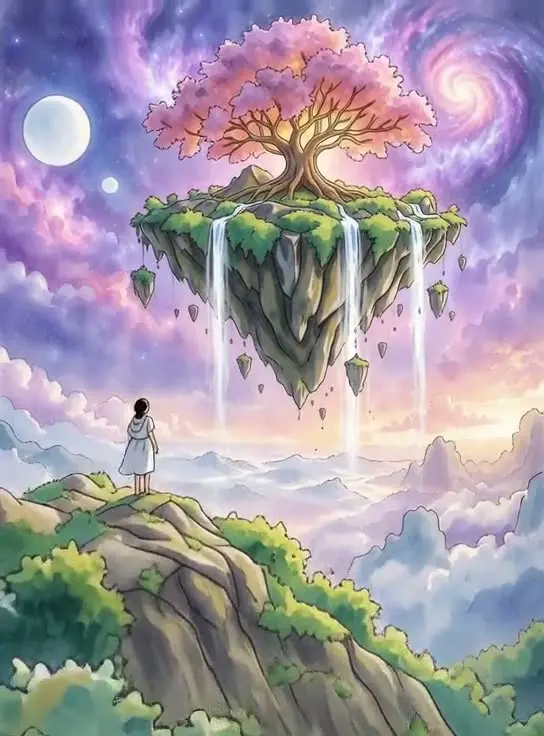
Anime versions of real clips
Turn a dance, a walk or a pet video into hand-drawn anime.
Restyle any video with a prompt: turn it into anime, claymation, a watercolor painting or a different season.
Saved to your workspace history.
This video to video AI keeps the motion of a clip you already have and changes how it looks. Upload up to 10 seconds of footage, describe the new style in plain words, and get back the same movement redrawn as anime, claymation, a watercolor painting, a snowy winter scene or whatever you describe. The original audio is kept.
It is the tool for footage you filmed yourself. To create a clip from nothing, use Text to Video AI or the AI Video Generator. To swap only the person, try AI Character Replace. For a still photo in anime style, the AI Anime Filter is quicker and cheaper.
MP4 or MOV up to 10 seconds and 50 MB. Clear, steady footage restyles best.
For example "Studio Ghibli style anime", "claymation" or "change the season to snowy winter". Choose standard or draft quality.
Usually ready in 1 to 2 minutes, with the motion and audio of your original clip.
Turn a dance, a walk or a pet video into hand-drawn anime.
Make everyday footage look like stop-motion clay or plastic toys.
Watercolor, oil painting, sketch, comic book or pixel art.
Summer to snowy winter, day to night, clear sky to rain.
Give one section of a music video or reel a stylized look.
Fast stylized versions of your own clips for TikTok and Reels.
Show a product clip in the brand style of a campaign, such as pastel, retro or neon.
Turn clips of you and friends into cartoon or comic versions for a group chat or story.
The model reads your clip frame by frame to understand the shapes, positions and motion, then redraws each frame to match your prompt while keeping that motion. The result is your video, with the same timing and movement, in a new visual style.
Because it follows the original movement, the source footage matters:
For small or noisy footage, upscale it first with the AI Video Upscaler, or upscale the restyled result afterwards.
Video to video AI is different from a filter. A filter changes colors or adds an overlay; the AI redraws the whole image, so faces, clothes, buildings and skies all take on the new style. That is why it can turn a real street into a hand-painted one, but also why small details, like text on signs, may change or disappear.
Short, specific style names work best. Start with one of these and adjust:
You can also describe changes rather than a full art style, like "make it sunset" or "add falling cherry blossoms". Prompts can be up to 800 characters. Use draft quality to try several ideas cheaply, then run your favorite in standard quality.
Avoid mixing several styles in one prompt, such as "anime watercolor claymation". The model has to choose, and results get muddy. If a style is close but too strong or too weak, add words like "subtle" or "strong" rather than rewriting the whole prompt.
Seasonal and weather changes are a good starting point because they keep the scene recognizable: the same street in snow, the same beach at sunset, the same park in autumn colors. Art styles make bigger changes and are more fun, but they vary more between runs.
Standard quality costs $1.00 and draft quality costs $0.60, for a clip of up to 10 seconds. Draft renders faster at lower quality and is meant for testing ideas. It is pay per use with no subscription, and a failed restyle is refunded to your balance automatically.
The original audio is kept in the result, and there is no watermark. Your restyled videos stay in My creations for 30 days.
Only restyle footage you have the right to use. If the clip shows other people, make sure they are fine with it being altered and shared.
A sensible budget plan: run two or three prompts in draft for $0.60 each, compare them side by side, and only pay $1.00 for the standard render of the one you will publish. Restyled clips can then be sharpened to 1080p with the AI Video Upscaler or made longer with the AI Video Extender.
Restyling is also a good way to reuse footage. One clip filmed on a phone can become an anime version for TikTok, a painted version for a music post and a winter version for a seasonal promo.
Still stuck? Contact us.