




















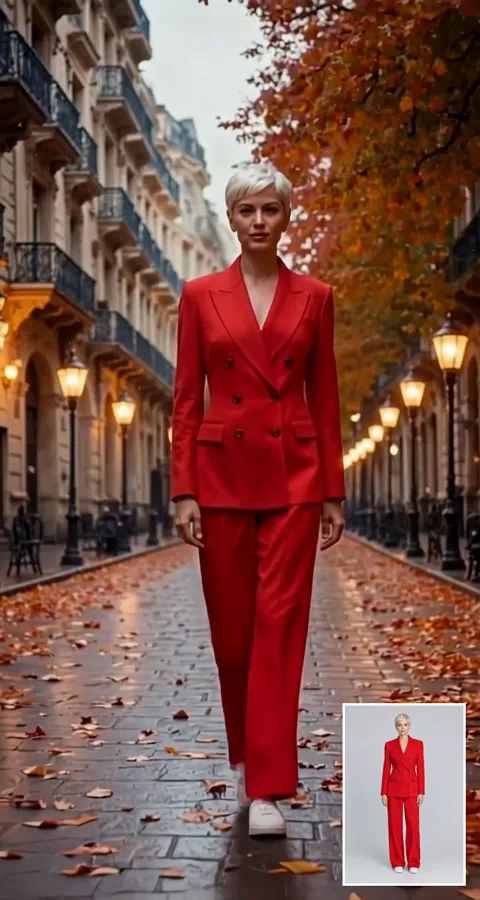
Mascots that move
Make a brand mascot or illustrated character perform a dance or wave you filmed yourself.
Replace the person in a video with the character from your image, keeping every movement and expression.
Saved to your workspace history.
AI Character Swap replaces the whole person in a short video with a character from an image you upload. Unlike a face swap, it changes the face, hair and clothing together, so a dancer can become a cartoon mascot, a knight or a 3D figure while keeping the exact same moves, timing and camera motion. Upload a clip up to 10 seconds, add the character, and download an MP4 in 720p for $0.75 or 1080p for $1.50.
If you only want a different face and the original outfit should stay, use AI Face Swap Video. To change the look of the whole video, background included, try AI Video Restyle.
An MP4, MOV or WebM clip up to 10 seconds and 50 MB, with one clearly visible person to replace.
Upload a photo, drawing or render of the character, JPG, PNG or WebP. Optionally type instructions, such as keeping the original clothes.
Pick 720p ($0.75) or 1080p ($1.50). The video is ready in about one to three minutes and saved in My creations.
Make a brand mascot or illustrated character perform a dance or wave you filmed yourself.
Bring a 3D model or game character to life using your own motion as the performance.
Test how a costumed character reads on screen before building the real costume.
Turn your illustration into a moving character without keyframing a single frame.
Post a trend video starring your character instead of yourself.
Have a friendly character present a short tip or greeting you recorded on your phone.
Both tools use the same video model and the same 10 second limit, but they solve different problems:
The optional instruction box lets you steer the result, for example "keep the background, replace the whole person including clothes" or "keep the original clothes and only change the character's head and skin". The original audio is kept in the result.
For a looping GIF with a new face, see GIF Face Swap. To animate a still portrait without source footage, try AI Talking Photo or Image to Video.
The model copies the motion of the person in your video, so the clip is the performance and the image is the costume.
Make your own character first with the AI Image Generator or the AI Action Figure Generator.
If your character image or your video shows a real person, you need their permission. Do not use character swap to impersonate anyone, to put a real person into a video they were never in, or to deceive, harass or sexualize anyone. Respect the copyright of characters you do not own. RegiAI does not add a watermark, so label edited videos when you share them.
The safest and most creative use is to be the performer yourself: film your own moves, then replace yourself with a character you designed or have the rights to use. If you want to use a friend's performance or a friend's face as the character, ask first and show them the result before posting it. Your videos are saved in My creations for 30 days and you can delete them at any time.
Still stuck? Contact us.
$0.75 per video at 720p or $1.50 at 1080p, for up to 10 seconds. It is paid from your RegiAI balance with no subscription. See pricing.
No. The one free generation a day only applies to tools priced $0.10 or less. Video tools are paid per use.
A photo, illustration, 3D render or toy photo in JPG, PNG or WebP. A clear single character on a simple background works best.
Up to 10 seconds and 50 MB. MP4, MOV and WebM are accepted.
Yes, the original audio is kept in the result.
Yes. Write it in the optional instructions, for example "keep the original clothes and replace only the face and hair". Without instructions, the whole person is replaced.
Usually one to three minutes.
No. RegiAI does not add a watermark to AI results.
Failed generations are refunded to your balance automatically.
Use AI Face Swap Video when you only want a new face on the same person. Use character swap when the outfit, hair or whole appearance should change.
In My creations for 30 days. You can delete it at any time.
You can use results under our Terms of Service and the model provider's license, provided you own or have rights to the footage and the character.
Yes. Illustrations, 3D renders and toy photos all work. A character shown in full, on a plain background, gives the most consistent result.
Test ideas at 720p for $0.75, then run the version you like at 1080p for $1.50 if you need a sharper result.
Yes. Character replace is available through the RegiAI API at the same prices. See the API docs.