




















Fix a recording without re-recording
Regenerate one flubbed line of your podcast or video in your own voice.
Clone a voice from a 10 to 30 second sample and make it say anything, in 10 languages.
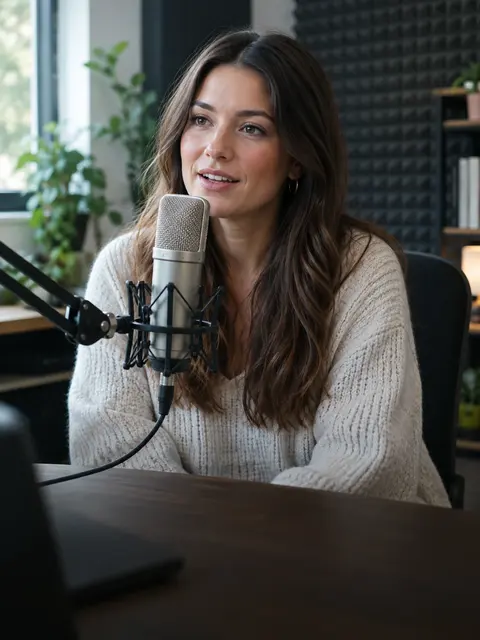
AI Voice Cloner
Press play to hear a real result.
Saved to your workspace history.
The RegiAI AI voice cloner copies a voice from a short sample and uses it to read new text. Upload 10 to 30 seconds of clear speech, type up to 2,000 characters, and in about 10 seconds you get a WAV file of that voice saying your words. It supports English, Spanish, French, German, Italian, Portuguese, Russian, Japanese, Korean and Chinese.
It costs $0.10 per 1,000 characters, so any text up to 1,000 characters counts toward your daily free generation. You may only clone your own voice or a voice you have permission to use. For stock voices with no sample, try the AI Voice Generator; to keep a recording and change who it sounds like, use the AI Voice Changer.
Add 10 to 30 seconds of one person speaking clearly, with no music. MP3, WAV, M4A or OGG up to 10 MB.
Enter up to 2,000 characters, pick the language or leave it on automatic, and confirm you have permission to use the voice.
Press Clone and speak. The new speech is ready in about 10 seconds as a WAV file.
Regenerate one flubbed line of your podcast or video in your own voice.
Keep your voice on every video, even on days you cannot record.
Have your cloned voice read a script in Spanish, Japanese or eight other languages.
Narrate lessons and slides in the instructor's own voice from written notes.
Record a story for your kids or family in your own voice without reading it all aloud.
Produce extra lines from a voice actor who has agreed to be cloned for the project.
Keep a record of your voice and use it to read messages aloud if speaking becomes difficult.
Send birthday or holiday messages in your own voice, written instead of recorded.
The sample is the single biggest factor in quality. The cloner copies whatever it hears, including room echo, hiss and background noise, so a clean sample gives a clean clone.
A phone voice memo recorded in a quiet room is usually enough. Hold the phone about a hand's width from your mouth and avoid rooms with hard, echoing walls.
Voice cloning is powerful, so the tool requires you to confirm that the voice is yours or that you have permission to clone it. That box must be ticked before anything is generated.
Do not clone a voice to deceive, impersonate, harass or defraud anyone, and do not use a clone to put words in a real person's mouth without their agreement. That includes public figures. If you are making content with someone else's cloned voice, get their permission in writing and tell your audience when it matters.
Your cloned audio is saved in My creations on your dashboard for 30 days, and you can delete it at any time.
A practical rule: if you would feel uncomfortable showing the result to the person whose voice it is, do not make it. Cloning your own voice to save recording time, or cloning a colleague who has agreed to narrate a training course, are good uses. Pranks, fake endorsements and messages that pretend to come from someone are not.
These three tools solve different problems:
To turn a video into another language while keeping the speaker's voice, the AI Audio Translator does the translation and the voice matching in one step.
Many projects combine them. A common workflow is to record a short, clean sample of your own voice once, keep it on your computer, and reuse it with the cloner whenever you need new lines. Each clone is a new generation, so you can reuse the same sample as often as you like and pay only for the text you generate.
If the words should match an existing video, write the script to the same length as the original line. Cloned speech follows the natural pace of the speaker in your sample, so a similar length of text gives a similar duration.
Still stuck? Contact us.