




















Content creators
Generate short videos and visuals, design YouTube thumbnails, and remove backgrounds for social posts.
1 free AI generation every day
Videos, images, voices and slides in one AI workspace.
Every example below was created with RegiAI. Pick one and create your own version.





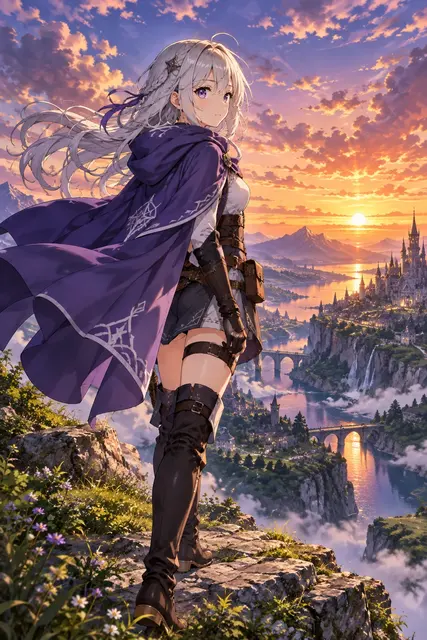

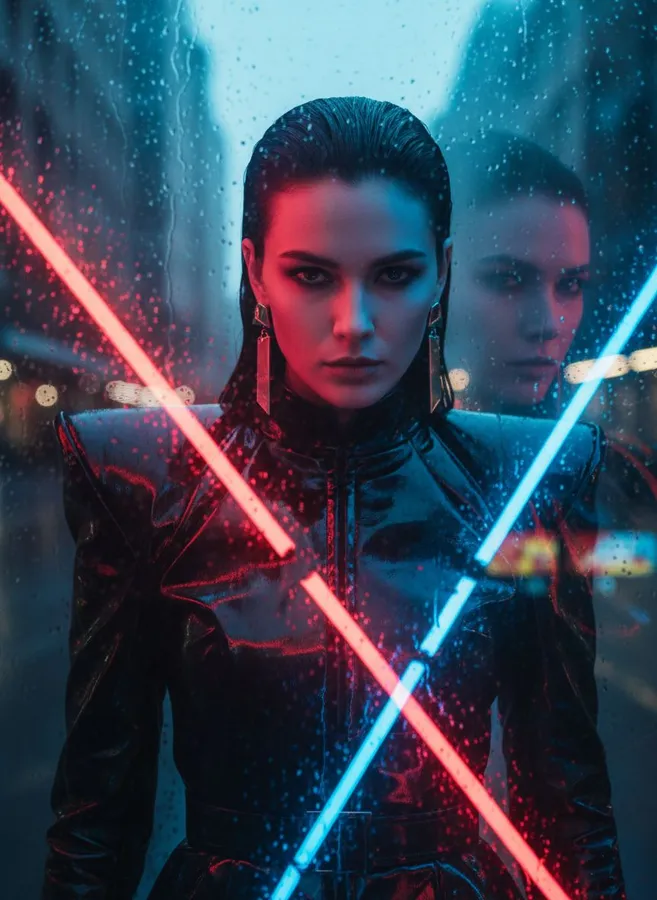



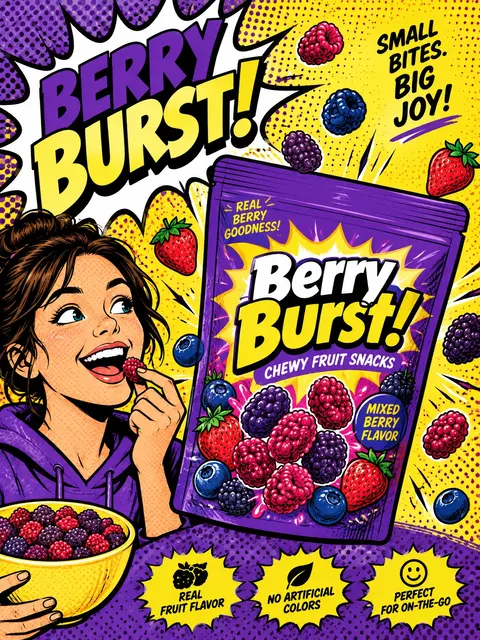
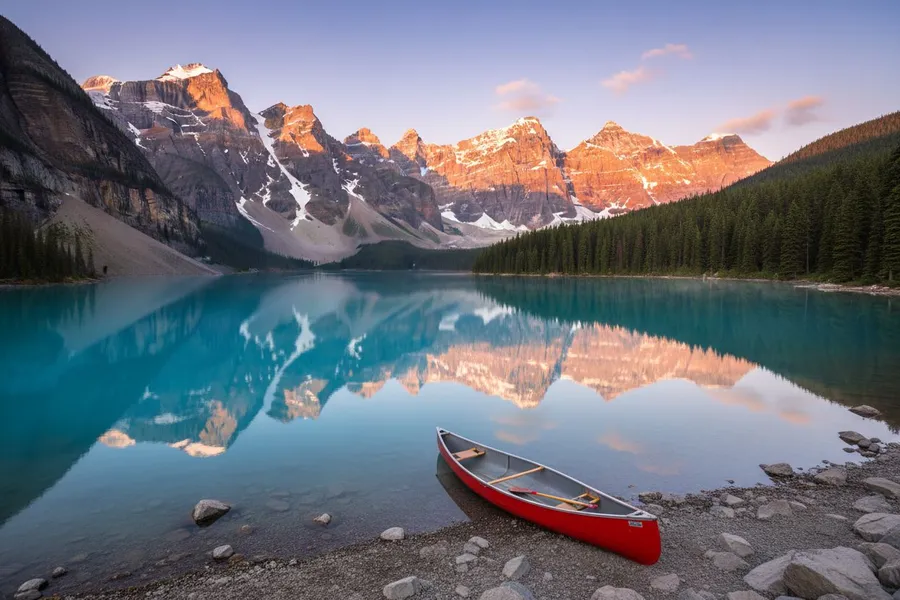

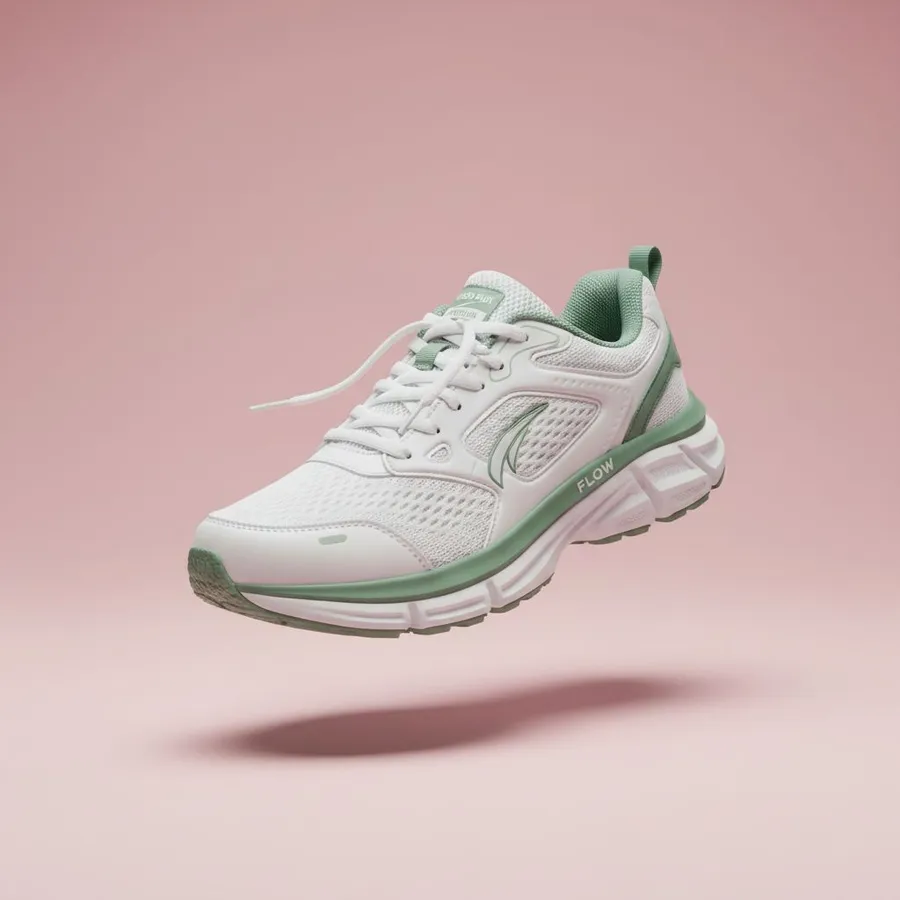

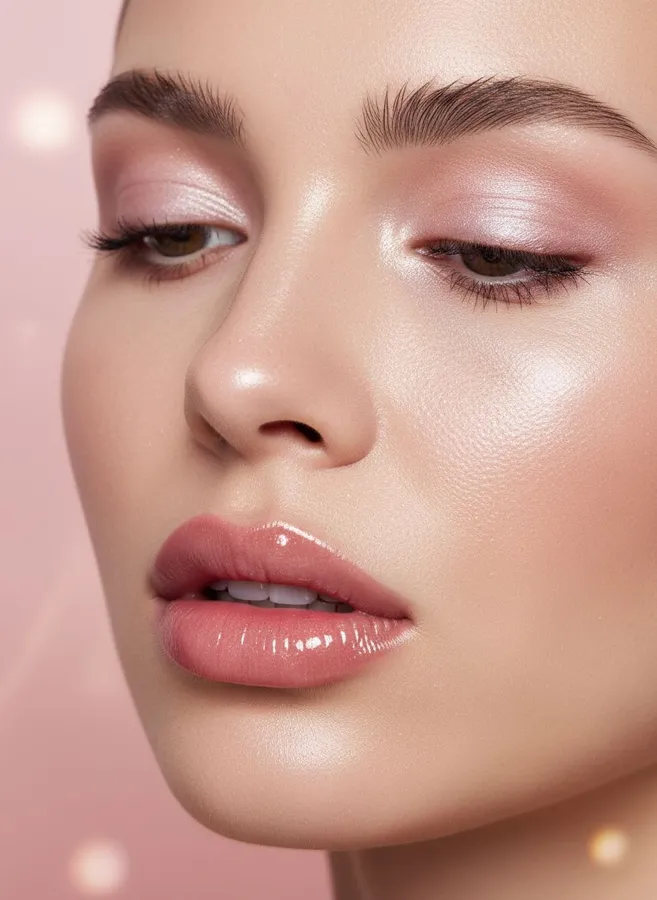
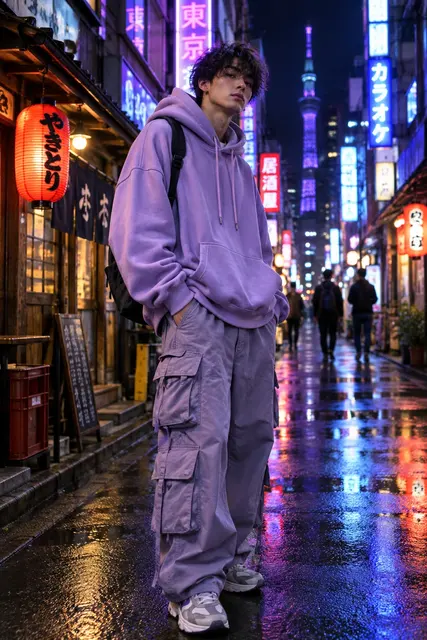
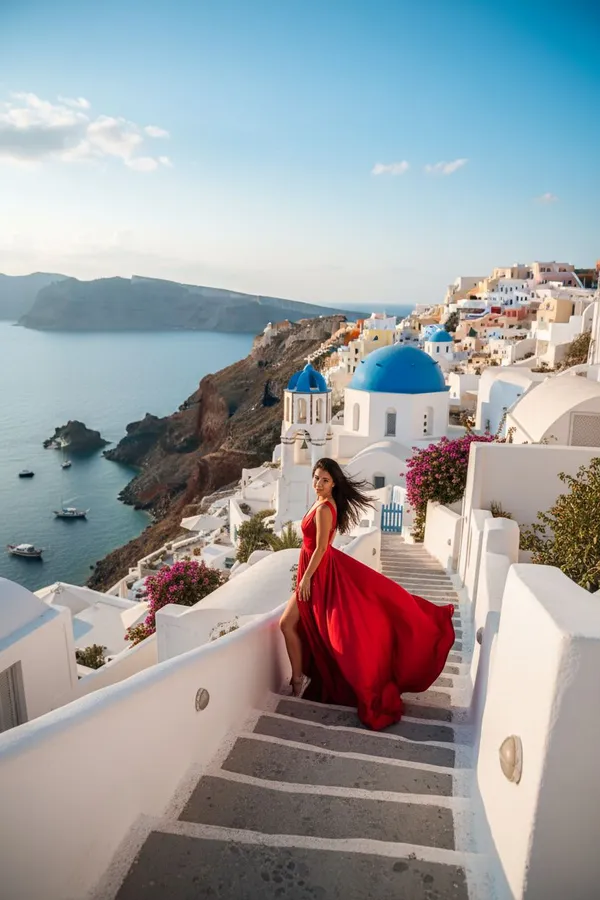


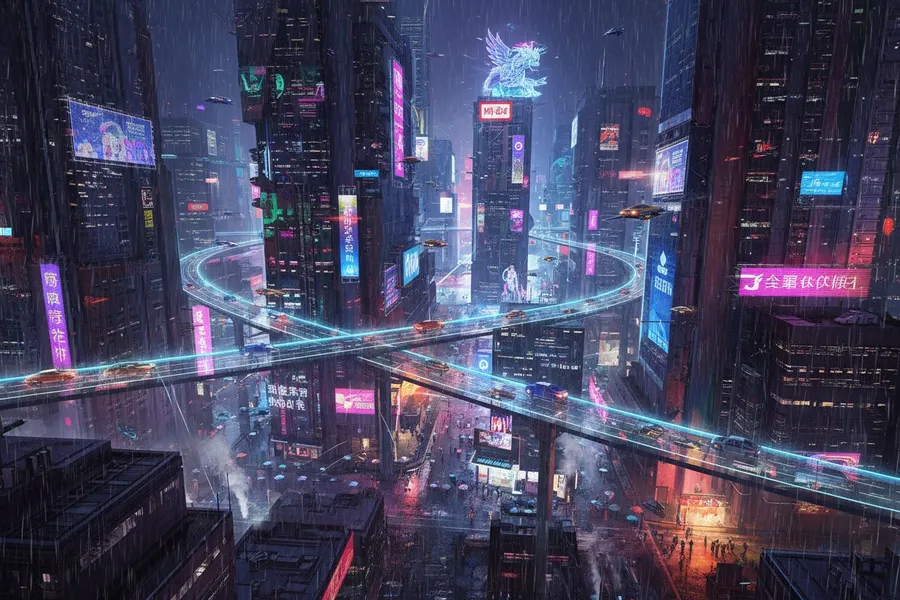
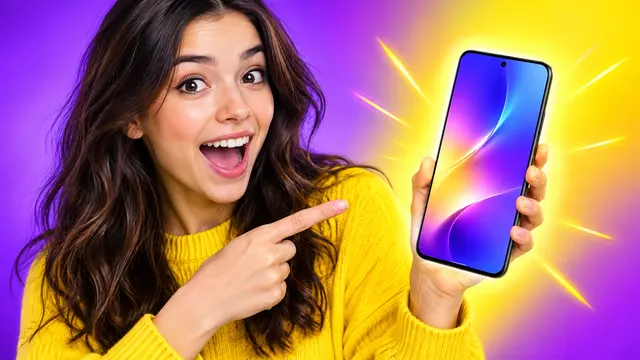
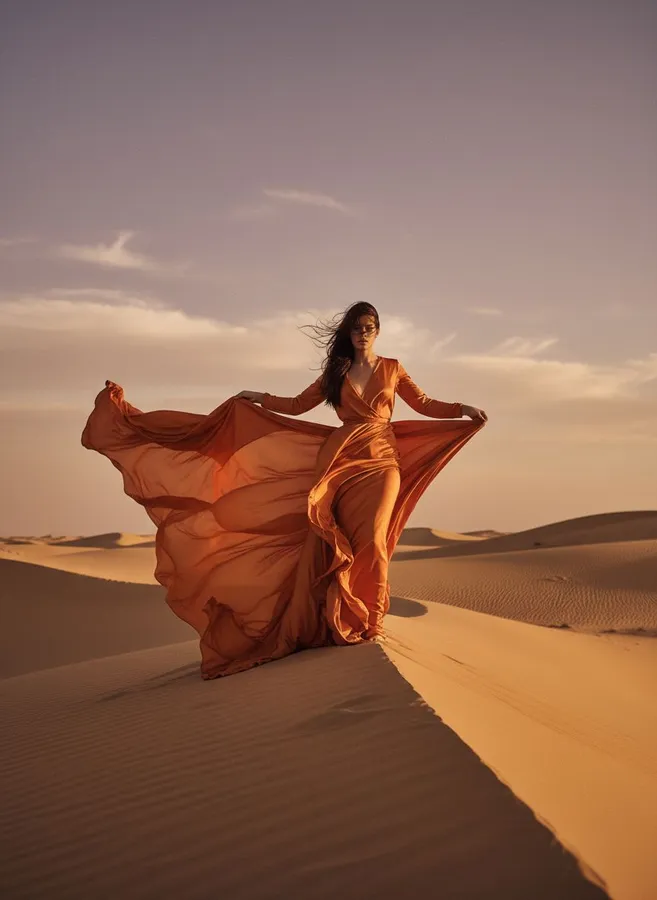

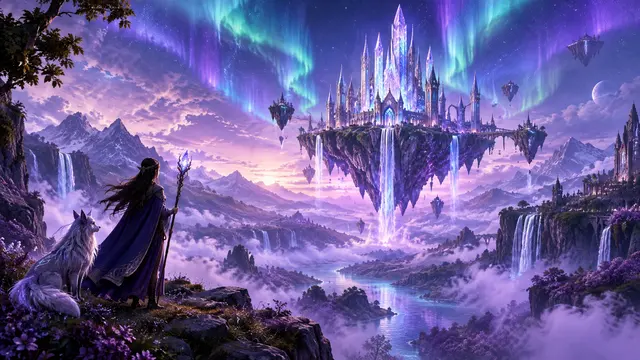

AI Video
Create videos from text or photos, make portraits talk, sync lips, swap faces and characters, restyle and upscale clips, and add subtitles or sound.
AI Image
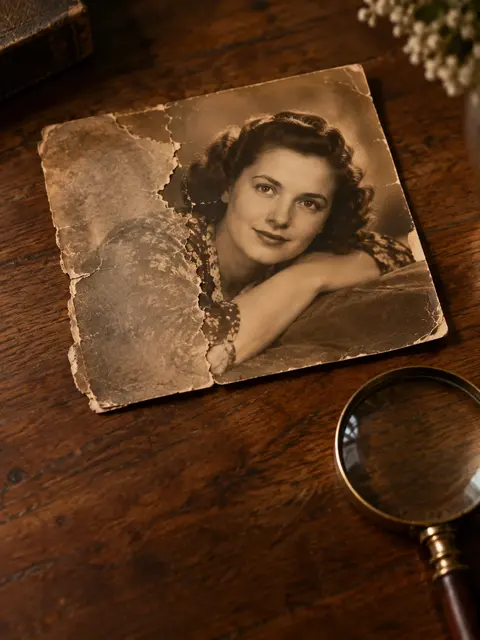
Generate and edit images with a prompt, try on clothes, swap faces and heads, restore and colorize photos, expand and upscale images, and remove backgrounds or watermarks.
AI Audio
Turn text into natural speech, clone and change voices, compose songs, translate spoken audio, transcribe recordings, and separate vocals from music.
Notes & Slides
Create editable PowerPoint decks from a topic, keep notes connected to their source video, and pick up where you left off in your workspace.
Free Tools
Convert, compress, resize, crop and watermark images in your browser. No sign-up, no watermark on your results.
How it works
Choose video or image generation, photo editing, YouTube notes and transcripts, slides, or a free utility.
Upload a photo, paste a YouTube link, or type a prompt or topic. No software to install.
Download the result, export slides to PowerPoint, or save notes and sources to your workspace.
Use cases
Generate short videos and visuals, design YouTube thumbnails, and remove backgrounds for social posts.
Turn lectures into notes and transcripts, then build study slides from the same video.
Animate product photos into video ads, and produce headshots and on-brand images without a design queue.
Call the same AI image tools from your app with one REST endpoint and Bearer tokens.
Developers
Upscale, restore, swap faces, remove watermarks, describe images and extract text through one REST endpoint. Authenticate with a Bearer token and pay per request from your RegiAI credit balance.
# Upscale an image with the RegiAI API
curl -X POST https://regiai.com/api/v1/process \
  -H "Authorization: Bearer regi_your_token" \
  -H "Content-Type: application/json" \
  -d '{
    "tool": "ai-image-upscaler",
    "image": "https://example.com/photo.jpg"
  }'
Why RegiAI
Free tools stay free. AI tools cost cents per result, with no monthly subscription.
Nothing to install on desktop or mobile. Upload, generate, download.
Notes, sources, slides and generation history stay in your account.
Your uploads are only used to process your request.
FAQ
Everything about RegiAI’s AI image tools, YouTube notes, slides, pricing and API.
Still have a question? Contact us →RegiAI is an all-in-one AI workspace. Create AI videos from text or photos, generate and edit images, turn YouTube videos into notes, transcripts and slides, and use free image utilities, all from one account.
Yes. YouTube to Notes, the YouTube transcript generator, the AI presentation maker, and every image utility (converter, compressor, resizer, cropper and more) are free. The AI video generator and advanced AI image tools such as face swap, photo restoration and the image generator use pay-as-you-go credits, so you only pay for what you create.
Open the AI Video Generator, describe the scene you want or upload a photo to animate, choose 5 or 10 seconds and an aspect ratio, and generate. You get an HD video with sound in under a minute, saved to your workspace.
Paste a YouTube URL and RegiAI reads the video’s available captions to create a readable transcript and structured notes with a summary, key ideas and review questions. If a video has no captions, RegiAI tells you instead of inventing a transcript.
Yes. Enter a topic or a captioned YouTube link and the AI presentation maker builds a slide deck you can keep in your workspace and export as an editable PowerPoint (.pptx) file.
You can generate images from text, swap faces, create professional headshots, restore and colorize old photos, remove watermarks and backgrounds, upscale and unblur images, turn photos into action figures, extract text with OCR, and ask questions about a picture.
No installation is needed; everything runs in your browser. Free utilities work without an account. Signing in with Google lets you save notes, sources, presentations and generation history, and buy credits for AI image tools.
Yes. The RegiAI REST API exposes the AI image tools through a single endpoint. Create a Bearer token in your dashboard, send a request to /api/v1/process, and pay per request from the same credit balance.
Uploads are used only to process your request. Your saved notes, sources and presentations are visible only to your account. See the privacy policy for full details.
Try the free tools right now, or sign in with Google to save your work.